Skip to main content
Home
My Alexela
Alexela app
App bonuses
How to download the app?
- Download the Alexela mobile app.
- Log in or sign up.
- Energy store is now in your phone!
Alexela mobile app enables you to:
- Register as a Minu Alexela customer and benefit from the many discounts of the Alexela loyalty program.
- Quickly navigate to the fuel station or café store that suits you best.
- Refuel your vehicle without entering the service station and pay for in-store purchases.
- Track your transaction history, invoices, and customer card discounts.
- Sign electricity and natural gas contracts.
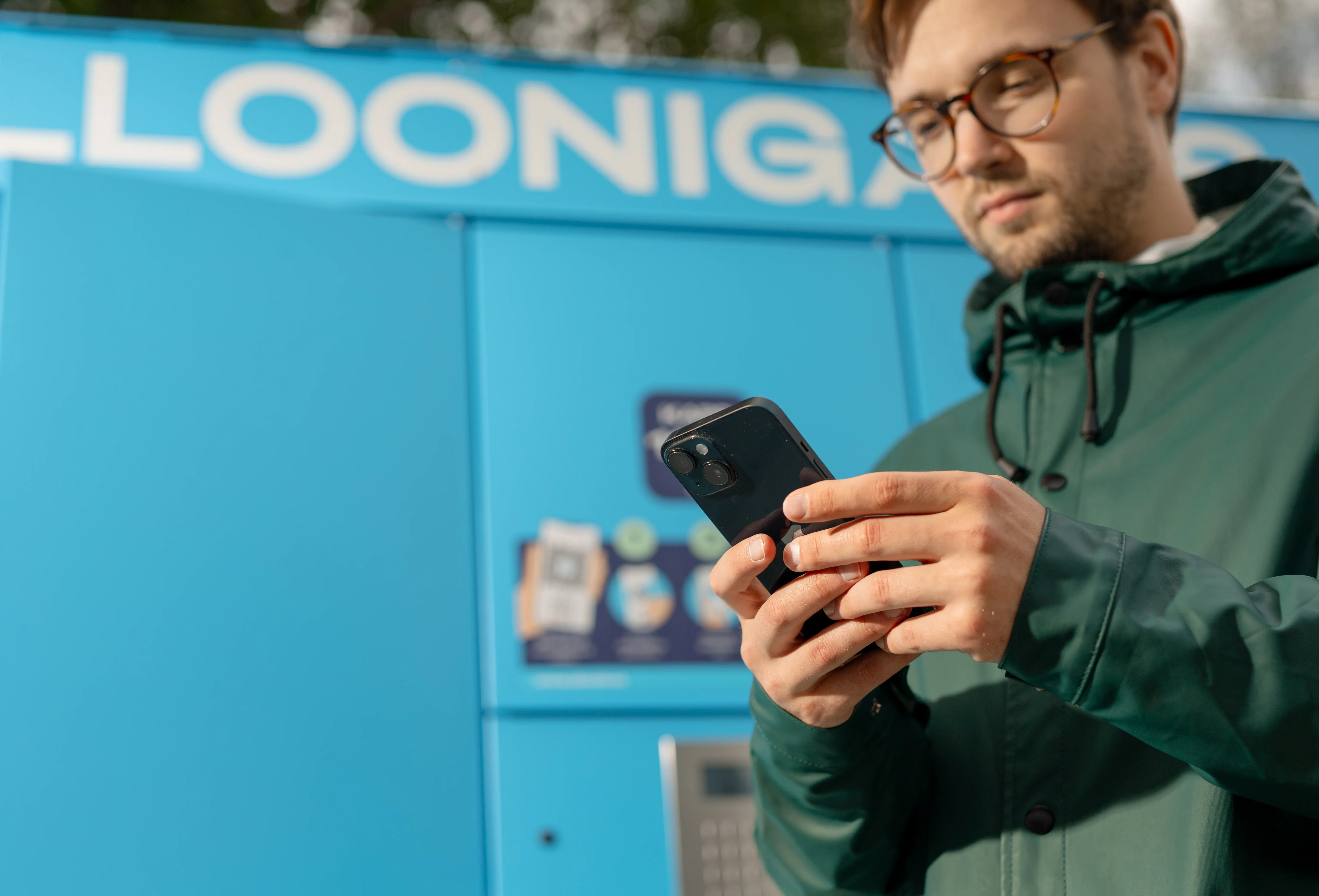
- Use the app to purchase grill gas and household gas from gas cylinder cabinets.
- Join the Community Program and contribute to national defence.
Kuidas tankida äpiga?
- Download the Alexela app and log in using Smart-ID or Mobile-ID.
- Add a payment method to the app.
- On the app’s home screen, select the “Scan or pay” function.
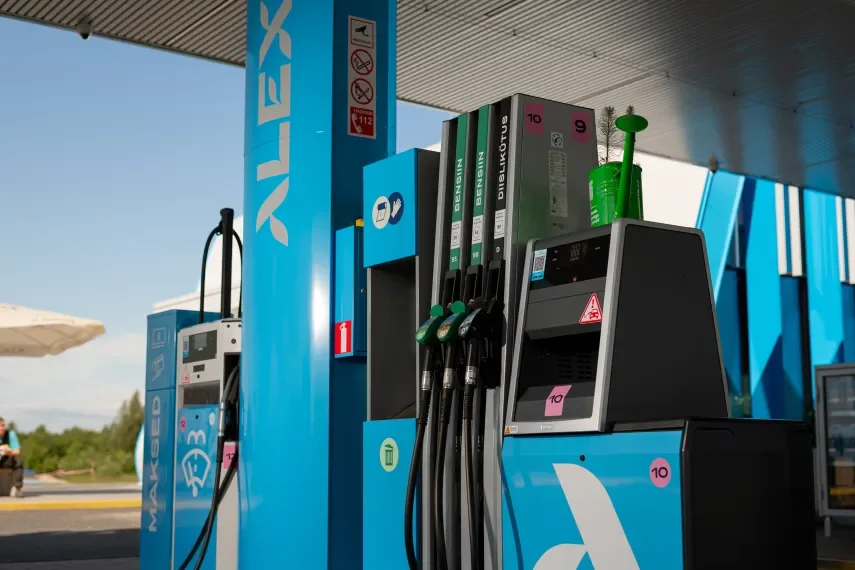
- Based on your location, the app will suggest the fuel station where you are. Next, confirm it or scan the QR code on the fuel pump.
- The app will display the instruction “Start fueling within 3 minutes.”
- Insert the nozzle into your vehicle and start fueling. Fueling ends when the nozzle is placed back in its holder.
- Check the purchase details in the app and find the receipt in your purchase history.